Setting up and acquiring user profile information
Using the MintSDK, we can setup and show information that is linked to the users wallet address.
Example
On a user page, we can show user information and past transaction logs that the user has made.
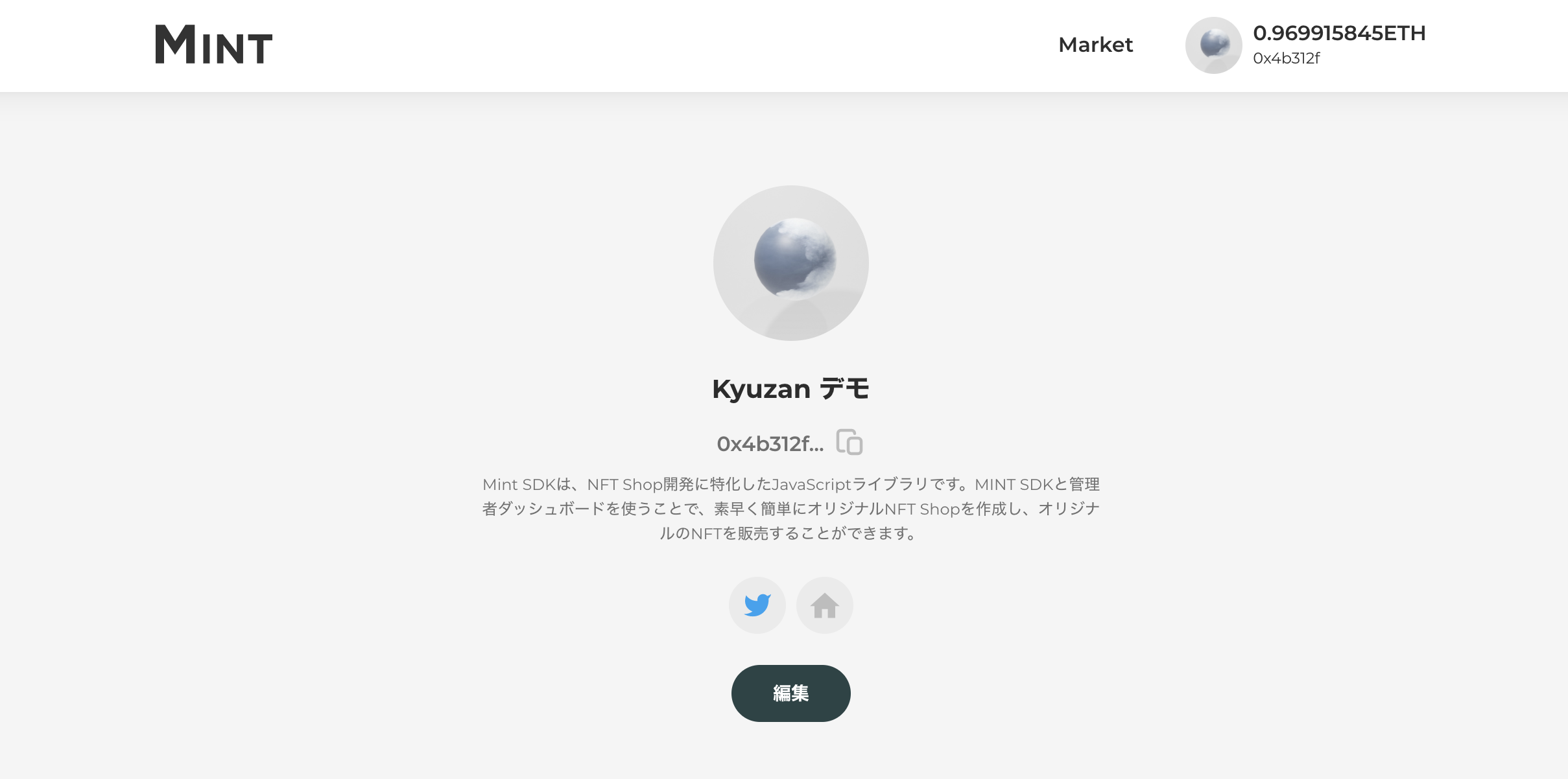
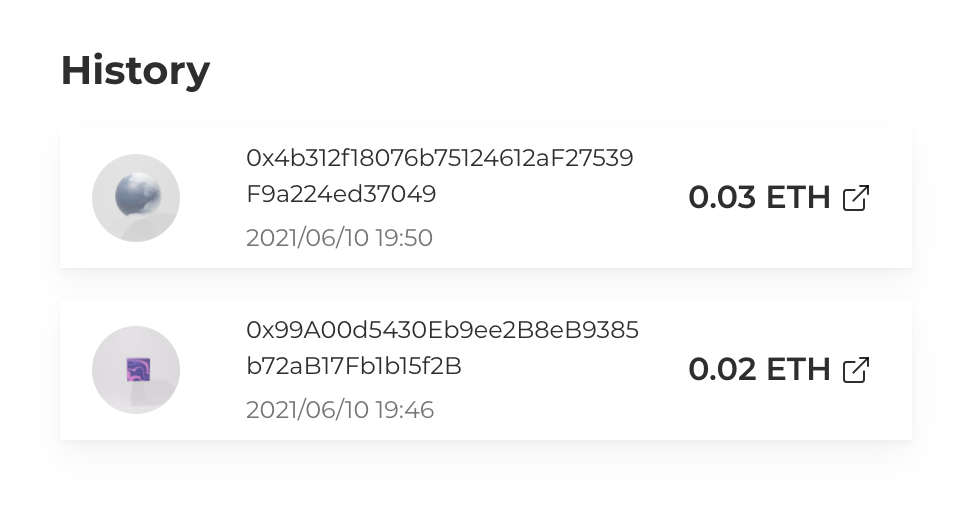
Implementation Examples
1. Profile Setup
We first setup an initial UI like below.
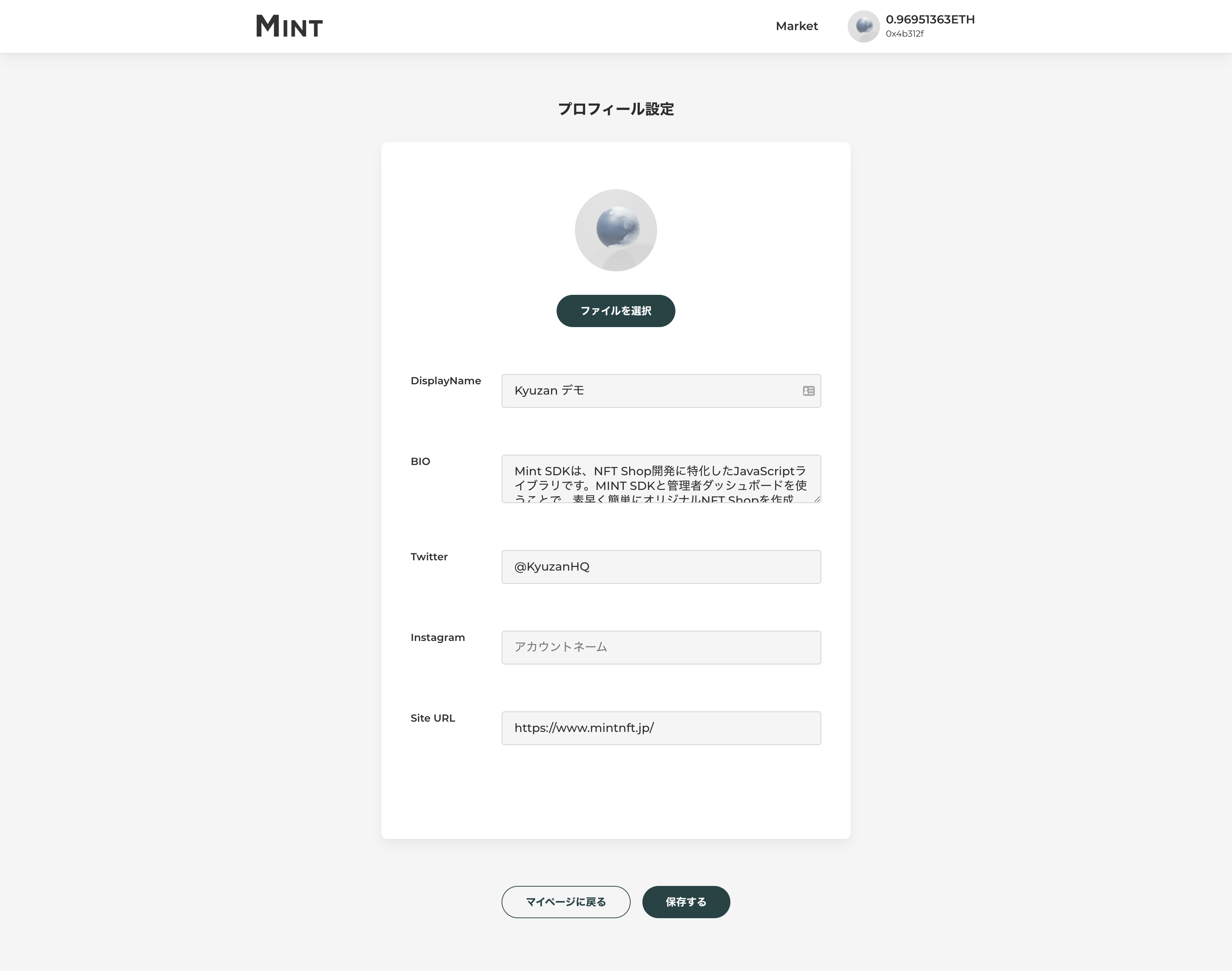
To upload an image for the profile picture, please use sdk.uploadAccountInfoAvatar.
If the upload is successful, it will return a Promise Resolve type with the values of imgIdとuploadedImgUrl.
imgId is an argument for sdk.updateAccountInfo.
uploadedImgUrl is an url containing the uploaded image, which can be used for preview purposes.
const { imgId, uploadedImgUrl } = await sdk.uploadAccountInfoAvatar({ file });
To create and update profile information, we use the sdk.updateAccountInfo method.
await sdk.updateAccountInfo({ imgId, .... })
2. Acquiring profile information
To get information from a profile, please use sdk.getAccountInfo. The wallet address can be set by passing walletAddress as an argument.
const accountInfo = await sdk.getAccountInfo({ walletAddress: "0xxxxxxxx" });